Choosing the right CRM for financial advisors is no longer just about storing contact records. For most independent advisors, the real issue is operational control. Client information lives in too many places, compliance tasks get handled in separate systems, and everyday follow-ups depend on memory, inboxes, or spreadsheets. When that happens, growth starts to feel messy.
A strong CRM should bring structure to the way your advisory practice runs. It should help your team centralize data, manage client cases, document activity, and reduce the admin work that pulls time away from advice. For Canadian firms especially, the decision often goes beyond features alone. You may also need to think about compliance workflows, secure communication, onboarding support, and where client data is hosted.
In this guide, we'll walk through how to evaluate your options, what features matter most, and the questions to ask before making a switch.
How to Choose a CRM for Your Financial Advisory Practice: A 6 Step Guide
1. Start With the Problems You Need the CRM to Solve
Before comparing vendors, define what is currently slowing your practice down. Many advisory firms choose software based on a feature checklist, then discover the bigger issue was workflow friction.
Ask yourself where your current process breaks down most often. Common pain points include:
- Client information spread across spreadsheets, email, portals, and notes
- Double entry between carrier systems, back-office tools, and your CRM
- Missed follow-ups or unclear ownership on client tasks
- Compliance documentation that depends on manual effort
- Documents and messages disconnected from the client record
If those issues sound familiar, your CRM decision should focus on operational fit, not just appearance. The best platform is the one that reduces complexity across your day-to-day work.
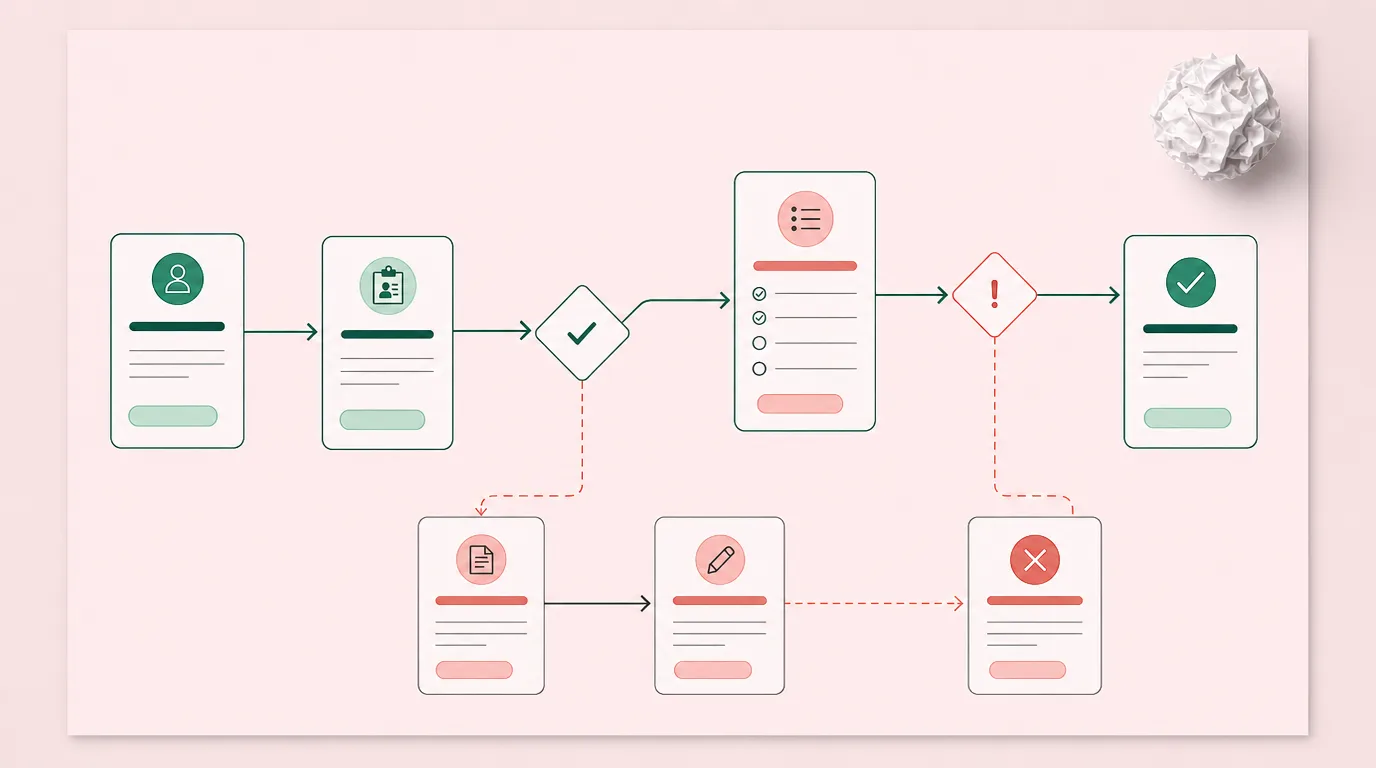
A practical way to start is to map one full client journey, from prospect to onboarding to review. Then identify where delays, duplicate steps, or compliance risk appear. That process will make it easier to judge whether features like case management, workflow pipelines, and integrated records will actually improve how your team works.
Stop fighting fragmented data and start running a more controlled, advisor-centric practice today
2. Look for Advisor-Specific Functionality, Not Generic Sales Software
A generic CRM may work for broad contact management, but financial advisors usually need more than a standard sales pipeline. Your platform should reflect the way an advisory practice actually operates.
Client Records Should Support the Full Relationship
You need more than names, phone numbers, and meeting notes. A useful system should centralize household details, policies, documents, tasks, communication history, and case status in one place. That gives advisors and support staff a clearer picture of every relationship.
It also makes service more consistent. If a client calls with a question, your team should not have to search through separate systems just to understand what happened last week.
Workflow Support Matters as Much as Contact Storage
A CRM should help your practice move work forward. That includes assigning responsibilities, tracking stages, standardizing recurring processes, and making sure nothing slips between team members.
This is where Laylah's features and its advisor-specific case management workflow are useful internal benchmarks for what to look for. A CRM should not just store information. It should help run the work attached to that information.
Secure Collaboration Should be Built In
Advisors increasingly need secure ways to collect information, exchange files, and communicate with clients. If your current process relies on scattered email threads and manual file requests, the right CRM should simplify that.
Look for a platform with a secure portal or client collaboration layer, like Laylah's Client Space, so communication and document exchange stay tied to the client record instead of floating outside it.
Find a CRM with features designed for financial advisors
3. Evaluate Compliance and Recordkeeping Early
For financial advisory practices, compliance should not be a side consideration. It should be part of the buying decision from the start.
A CRM can create risk if it makes documentation harder, scatters records, or leaves too much to manual follow-up. It can also reduce risk if compliance is embedded into everyday work.
Here are four things to evaluate carefully:
- Whether activity is automatically logged with timestamps
- Whether documents, messages, and notes stay attached to the right client or case
- Whether the system supports audit readiness and record retention
- Whether your team can follow consistent workflows without relying on memory
A platform with built-in compliance support can make daily operations calmer because the documentation happens as work is completed. That is one reason Laylah emphasizes compliance across the workflow, audit trail visibility, and traceability as part of its product positioning.
The right CRM should make good compliance habits easier, not add one more system your team has to manage.
Work with a CRM that puts compliance first
4. Consider Canadian Requirements and Data Residency
If your practice is based in Canada, local fit may matter more than many software buyers expect. Some platforms are designed for broad markets and only partly adapted for Canadian advisors. Others, like Laylah, are built around Canadian workflows from the start.
That difference can affect:
- Carrier and back-office data connections
- Data residency expectations
- Language requirements for English and French users
- Compliance expectations for Canadian advisory firms
- Onboarding support for local practice models
Laylah highlights Canadian data residency, AWS infrastructure, and a focus on independent advisors in Canada. When reviewing vendors, ask direct questions about where data is hosted, how Canadian advisory workflows are supported, and whether integrations are relevant to your operating environment.
5. Review Integrations, Migration, and Daily Admin Impact
A CRM can look impressive in a demo and still create more work after implementation. That usually happens when integrations are weak or migration is poorly handled.
Check What Connects to your Actual Workflow
Your CRM should reduce manual entry, not relocate it. Review how it connects with your email, calendar, document flow, and any back-office or carrier data sources your team already uses.
For example, Laylah highlights integrations with Google, Outlook/Microsoft 365, and Canadian data feeds as part of its value proposition. That matters because admin burden often comes from disconnected tools, not from a lack of features.
Make Migration Part of the Decision, Not an Afterthought
Advisors often delay CRM changes because switching feels risky. A good vendor should have a clear migration path, practical onboarding support, and realistic timelines.
Questions to ask include:
- What data will be migrated for us?
- How long does implementation usually take?
- What training is included for advisors and staff?
- How much cleanup is required before the move?
- What happens if we need help after launch?
Laylah's migration process is a good example of how strongly this issue influences purchase decisions. If a vendor cannot explain migration clearly, that is a warning sign in itself.
6. Compare Vendors Against a Practical Scorecard
Once you narrow your shortlist, use the same evaluation structure for every vendor. This keeps the decision grounded in business needs rather than presentation quality.
A simple scorecard can include:
- Advisor-specific workflow fit
- Compliance and audit support
- Client portal and document exchange
- Integrations and data synchronization
- Ease of migration and onboarding
- Canadian relevance and data residency
- Pricing clarity and scalability
- Team usability for advisors and operations staff
For a detailed comparison of the top platforms, see The Best CRM for Financial Advisors in Canada in 2026.
Ask These Questions Before You Commit
Before signing a contract, make sure you can answer the following clearly:
- Will this CRM reduce admin work in the first 90 days?
- Can our whole team use it consistently, not just one power user?
- Does it improve compliance visibility in day-to-day work?
- Will it support secure client collaboration as expectations grow?
- Does it fit the Canadian advisory environment we operate in?
If the answer to any of those questions is uncertain, keep digging. A CRM is not just software. It becomes part of how your practice communicates, documents, and scales.
The best choice is usually the one that gives your team more control with less friction, every single day.
Why Laylah is the Premier CRM for Your Practice
Choosing a CRM isn't just about software; it's about reclaiming your time. Laylah stands out by replacing fragmented tools with a unified system designed specifically for the Canadian landscape. It's the bridge between complex compliance requirements and the daily need for a efficient, advisor-centric workflow that actually scales.
Independent Financial Advisors Choose Our CRM For:
Embedded Compliance and Audit Readiness
Laylah transforms compliance from a chore into a background process. With automated audit trails, timestamped interactions, and protected record retention, every action is traceable. This "compliance-by-design" approach keeps your firm audit-ready at all times without requiring extra administrative effort from your team.
Smooth Client Collaboration and Cases
The platform centralizes the entire client journey through integrated "Case Management" and a secure "Client Space" portal. By housing document exchanges, smart questionnaires, and messaging in one protected environment, you eliminate messy email threads and ensure all client data stays organized and accessible.
Built Specifically for the Canadian Context
Unlike generic CRMs, Laylah is purpose-built for the Canadian financial landscape. It offers essential Canadian data residency and synchronizes directly with local carrier and back-office feeds. This ensures your practice remains compliant with domestic regulations while eliminating the friction of manual data entry.
Ready to simplify? Book a demo to see how Laylah streamlines your Canadian practice