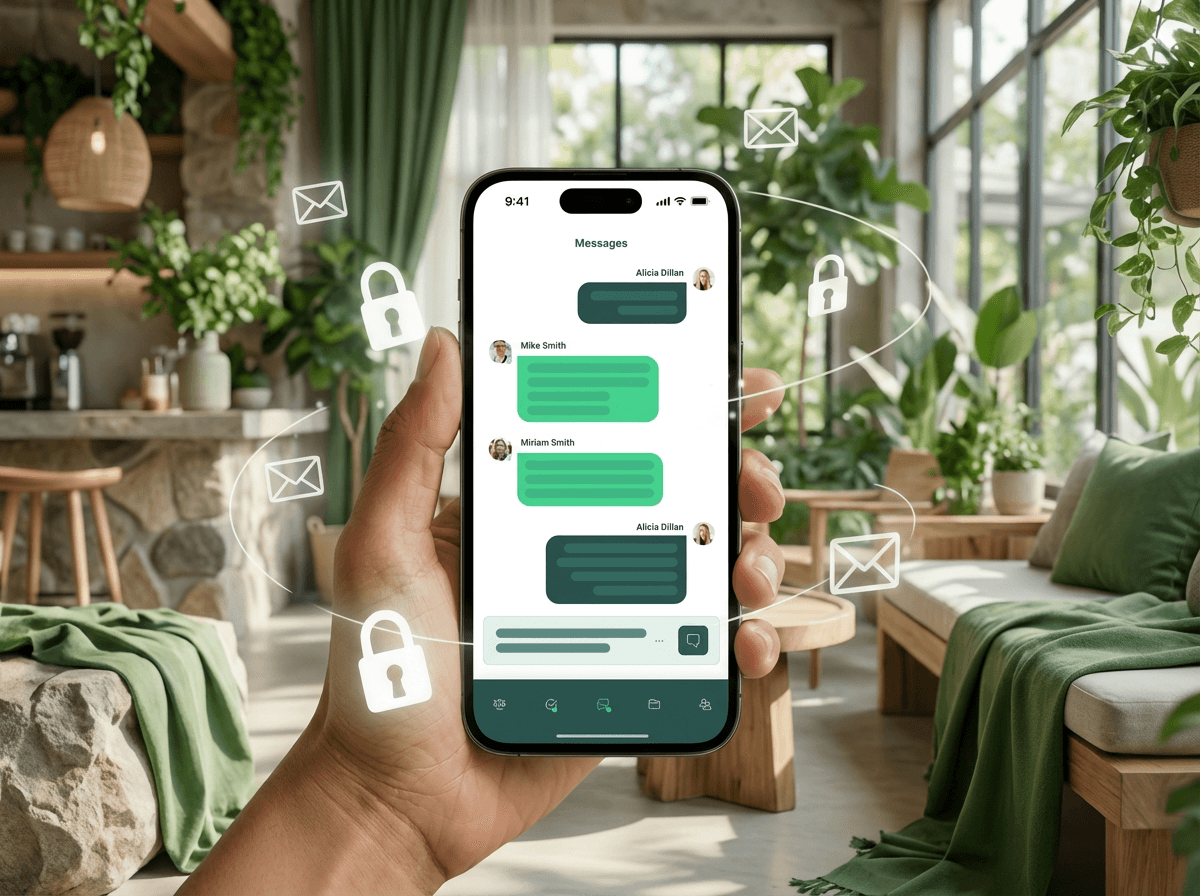
Why Email Threatens Your Compliance (and How Laylah Protects You).
A critical security update for financial advisors in Canada
Every day, sensitive personal information and financial data pass through your inbox. KYC updates, insurance applications, investment statements, banking details, social insurance numbers, and health information.
And each of these exchanges could become your next compliance nightmare, or worse, a breach that jeopardizes your reputation and client relationships.
In brief.
- Replying to an email can be enough to expose sensitive information: this channel offers neither robust encryption, nor reliable identity verification, nor control over data distribution or storage.
- Concrete risks: data interception, phishing/identity theft, leaks or messages sent to the wrong address—all scenarios that can lead to data loss, privacy breaches, regulatory sanctions, or loss of client trust.
- Email format doesn't allow reliable traceability: data can remain scattered, be copied, transferred, stored in multiple locations, complicating compliance with privacy laws (such as Law 25 in Quebec or federal obligations).
- Switching to a secure portal (like Laylah's Client Space): encrypted communications, Canadian hosting, access controls, audit trails, which greatly reduces vulnerabilities and facilitates regulatory compliance.
- It's not an absolute guarantee (no solution is), but it's a strategic change: to better protect data, reduce risk, and strengthen client trust and practice compliance.
The invisible dangers hiding behind every email.
To be clear, here's what's currently happening in most financial practices:
Your clients think they're helping, but they're increasing risk.
They attach unencrypted PDFs containing their SIN to regular emails. They send photos of voided checks via text. They forward bank statements from a shared family Gmail account. They think they're helping… but they're mainly creating security vulnerabilities.
- No complete encryption: Even if you use TLS, it only protects transfers between servers. Attachments frequently end up unencrypted on various servers before reaching your client.
- Zero identity verification: The email from "John Smith" could come from anyone.
- Permanent digital traces: Each transfer creates an additional copy, thus another vulnerability.
Sophisticated attacks you won't see coming.
Here's what your team needs to spot—attacks so subtle they can fool even the most experienced advisors.
Homograph attacks: Fraudsters create addresses using nearly identical characters:
- "support@rnicrosoft.com" (rn instead of m).
- "adviser@G00GLE.com" (zeros instead of O).
- "john@раypal.com" (Cyrillic 'a' instead of Latin 'a').
Your CRM as an early warning system: If an email claiming to be from a client doesn't sync to their Laylah file, that's a red flag. Any difference, however minor, between the sender's address and the one in your CRM should be treated as suspicious.
Compliance becomes harder to manage.
With Law 25 in Quebec, PIPA in Alberta, and federal Bill C-27 on the horizon, regulators expect you to:
- Control data flow in your practice.
- Maintain complete audit trails.
- Apply "reasonable security measures."
- Report incidents within prescribed timeframes.
Email makes these obligations virtually impossible to meet.
Real scenarios that happen every week.
Here are examples from advisors' daily lives:
- The misdirected email: Your assistant wanted to BCC guests for an event invitation but used CC by mistake, exposing 47 clients' email addresses to each other.
- The departed employee: A former employee's email address continues to auto-forward to their personal account, including all client communications.
- The fraudulent request: An email appearing to be from a client requests a large withdrawal, but it doesn't sync in Laylah. You were about to process the request before noticing a slight change in the sender's address.
- The compliance audit: You're asked to produce all communications with a client from the past two years. They're scattered across five different email boxes, some deleted, others in personal folders, on notepads, or sticky notes.
- The family account breach: Your client's spouse's email is compromised. Fraudsters then access your entire exchange history, including investment values and personal information.
The fundamental problem: email's technical gaps.
Email was designed in 1971 for academic exchanges. Here's what it fundamentally lacks:
- No native encryption standard: Without additional configuration, messages travel unprotected.
- No access revocation mechanism: Once sent, impossible to recall or limit access.
- No reliable audit trail: Headers can be forged and timestamps manipulated.
- No identity verification: Anyone can claim to be anyone.
- Fragmented and uncontrolled storage: Copies exist on the sender's server, the recipient's, in backups, archives, forwards, etc.
- Delete ≠ destroy: Copies may still exist elsewhere.
Laylah's Client Space: finally security that holds up.
How it protects both your clients and your practice.
The Client Space fundamentally transforms how sensitive information flows in your practice. Here's what that means concretely:
Your CRM becomes your security agent.
When an email claiming to be from a client doesn't sync to their Laylah file, that's your alarm signal. These discrepancies often reveal sophisticated spoofing attempts using deceptive characters, for example "rnicrosoft.com" instead of "microsoft.com."
If it doesn't sync, don't trust it.
The Client Space eliminates much of the risk associated with email, including these impersonation attempts. Conversations take place in a secure space that requires identity verification to access content.
One place. Always protected.
Instead of documents scattered across personal email boxes, on family computers, or various devices, the Client Space centralizes everything on the Canada-hosted Laylah platform.
Your clients don't need to be cybersecurity experts: the system ensures their protection through encryption and identity verification that goes far beyond a simple password.
You regain control.
Unlike email, where messages can be forwarded indefinitely and attachments saved anywhere, the Client Space allows you to maintain control.
Every access and every action is recorded. You know who saw what, and when.
And when regulators request documents, you have a complete audit trail.
Hosted in Canada. Protected by Canadian laws.
Your clients' information stays in Canadian data centers, encrypted and protected.
No need to wonder which countries your email just transited through, or which laws apply to your data.
Once sent, it's too late.
Messages can be forwarded, copied, captured, or saved everywhere.
The Client Space is designed to maintain accountability and traceability.
Sensitive information stays in a professional, monitored environment, rather than circulating freely through personal email boxes.
The bottom line.
Email is like having a business conversation in a crowded restaurant: anyone can listen or grab a document left on the table.
The Client Space is your private office: you control who enters, what leaves, and you keep a complete record of everything that happens.
Security: what teams need to hear.
Before implementing the Client Space, here's the honest security conversation every practice should have with all its members:
No system is 100% risk-free.
Sophisticated phishing, credential theft, insider threats, or a compromised device can still expose data, even in a secure Space. However, the barriers to intrusion are much higher compared to email.
Human error remains the weakest link.
Weak passwords, falling for a phishing trap, or being socially manipulated can compromise any system. Multi-factor authentication and regular security awareness training are essential, not optional.
Security requires continuous maintenance.
You must regularly review access and departing employees, and consult audit logs. The difference is that the Client Space makes these actions possible and simple, while email makes them practically impossible.
What this means for your practice.
- The Client Space significantly reduces your risk surface but doesn't eliminate the need for vigilance.
- Train your team quarterly to recognize phishing and impersonation attempts.
- Update passwords and review permissions when staff changes occur.
- Continue to verify any unusual requests, even if they come through a secure channel.
In summary.
The Client Space is like replacing a bike lock with a safe. It's really more secure, but you still need to manage who has the code and change it when someone leaves.
This isn't about worrying—it's about being honest: security requires consistency and attention. The Client Space protects you, and your vigilance completes the protection.