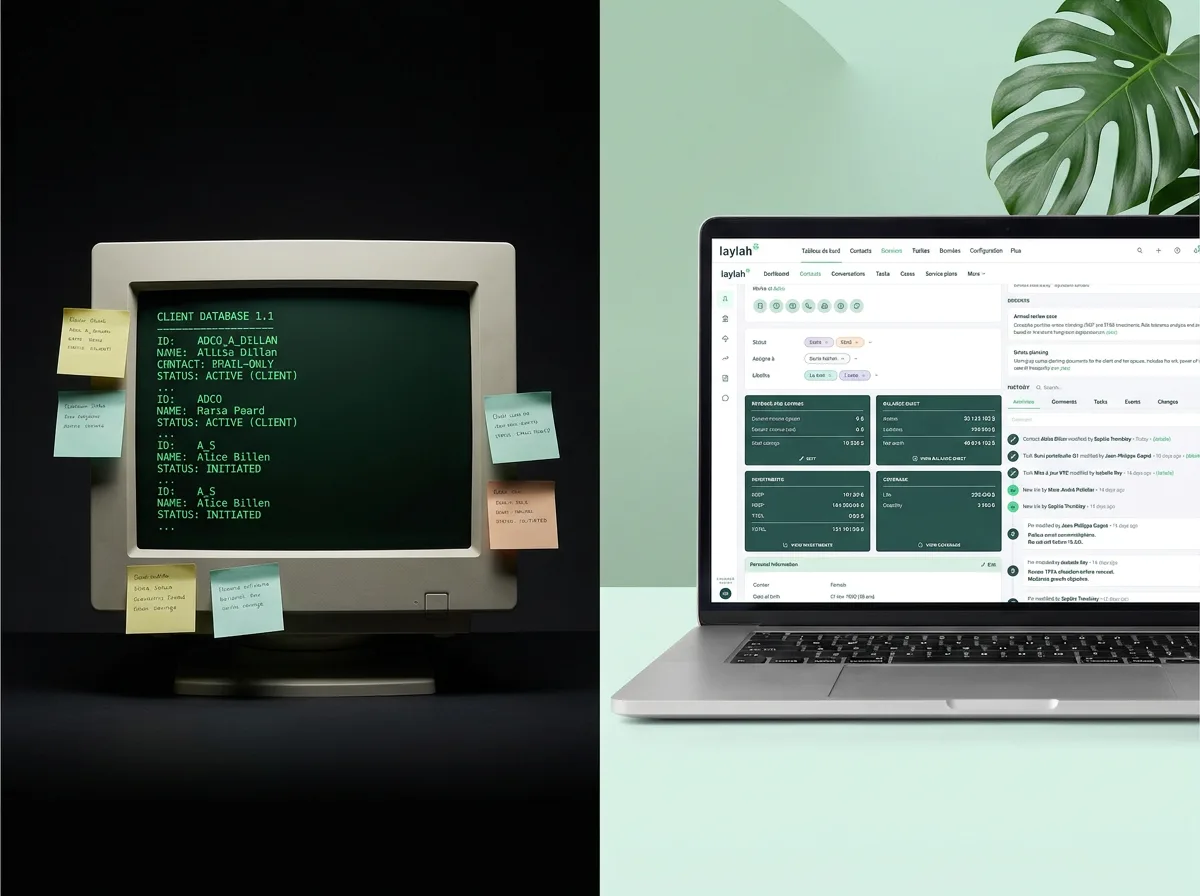
Choosing the right CRM can define how efficiently your financial advisory practice operates. If you work with insurance or investment clients in Canada, Cloven and Laylah have likely appeared on your radar. Both platforms are built specifically for Canadian financial advisors, but they take different approaches to solving the same core problems: scattered data, manual entry, compliance overhead, and disconnected tools.
This comparison breaks down how each CRM for financial advisors handles data synchronization, features, onboarding, and pricing so you can make an informed decision based on what your practice actually needs.
Two CRMs Built for Financial Advisors in Canada
The Canadian advisor CRM market is small but competitive. While platforms like Salesforce and Maximizer serve a broad audience, Cloven and Laylah were both designed from the ground up for independent financial advisors. That shared focus makes the comparison more relevant, but the differences in philosophy, architecture, and feature sets are significant.
What Is Cloven?
Cloven is a CRM developed by BluRoot Inc., a Toronto-based company founded by Massimo Ianniruberto. BluRoot started as a Zoho consulting firm before building industry-specific CRM products. Their first product, BluMortgage, became one of the most widely used mortgage broker CRMs in Canada. Cloven applies the same model to financial advisors.
The platform is built on Zoho One, which means it inherits the full Zoho ecosystem: over 45 applications including email marketing, social media scheduling, online forms, and e-signature. Cloven layers advisor-specific customizations, templates, and integrations on top of this foundation. It integrates with Canadian financial tools like BlueSun Advisor, SideDrawer, and NDEX Systems, and stores all data in Canada. At its core, Cloven positions itself as a CRM plus productivity suite, aiming to replace multiple software subscriptions with a single platform.
What Is Laylah?
Laylah is a practice management platform for Canadian financial advisors founded in 2021 by Jean-François St-Pierre, Guillaume Lorquet, and Jean-Christophe St-Pierre. The CEO previously founded Kronos Technologies, which he sold to Equisoft in 2018, making this team deeply experienced in building CRM solutions for the advisor market.
Unlike platforms built on top of third-party CRM engines, Laylah is a purpose-built, proprietary platform. It was designed with a data-first philosophy: rather than starting with features and adding data later, Laylah starts by connecting directly to your carriers, MGAs, and back-offices to synchronize client data automatically. The platform includes task and case management, a secure client portal, document management, built-in compliance tools, and integrated financial needs analysis. For a broader look at how it compares to other options, see our full CRM comparison guide for Canadian financial advisors.
Data Synchronization and Carrier Integration
For most financial advisors, the quality of client data determines the quality of every decision that follows. This is the area where Cloven and Laylah differ the most.
How Cloven Handles Client Data
Cloven allows advisors to import data from other CRMs and spreadsheets using a drag-and-drop editor. It integrates with BlueSun Advisor for a one-click import of contact and policy data from CSV files. For investment data, Cloven connects with NDEX Systems to pull portfolio values, cash balances, and account details from over 8,500 sources, updated daily.
For email and calendar, Cloven syncs with Microsoft 365 and Google Workspace. It also offers a bi-directional API and Zapier support for connecting external tools. However, Cloven does not currently offer live carrier data feeds. Insurance policy data from carriers like Manulife, Empire, or iA Financial does not flow into the CRM automatically. Advisors working primarily in insurance may need to import or manually update this information.
How Laylah Automates Data From Carriers and Back-Offices
Laylah takes a fundamentally different approach to data. The platform maintains live connections with major Canadian carriers and back-offices, including Manulife, Empire, iA Financial, Canada Life, Equitable, and others. When an advisor connects their accounts, policy data, and client details begin flowing into Laylah automatically. There is no manual import step and no CSV files to manage.
This carrier data synchronization covers both insurance and investment data. Laylah also includes automated duplicate management that groups duplicate records with a 97% efficiency rate without permanently deleting anything. The result is a clean, current database that advisors can trust without spending hours on data hygiene. For practices where client data accuracy drives everything from renewal follow-ups to compliance documentation, this distinction matters.
See How Laylah Syncs Your Client Data Automatically
Stop re-entering data that already exists in your carrier portals. Laylah connects directly to your carriers and back-offices so your client records stay current without the manual work.
Your CRM is only as good as the data inside it. Automatic synchronization changes the equation entirely.
Features and Functionality Compared
Both Cloven and Laylah offer the core CRM features advisors expect: contact management, task tracking, email integration, and document storage. The differences show up in what each platform prioritizes beyond those basics.
Automation and Productivity Tools
Cloven's strongest selling point is its productivity suite. Because it is built on Zoho One, advisors get access to tools that would normally require separate subscriptions: e-signature, calendar booking, online forms, email marketing campaigns, a social media scheduler, and website tracking. These tools are included at no extra cost and integrate with the CRM out of the box.
Cloven also offers pre-built automation templates that can trigger emails, assign tasks, or prompt document uploads through SideDrawer. Advisors can customize workflows using a drag-and-drop editor inherited from Zoho's platform.
Laylah approaches automation differently. Rather than bundling third-party productivity tools, Laylah focuses on workflow automation tied directly to client data. Kanban-style case management lets teams track the progress of every client interaction. Tasks can be assigned, prioritized, and linked to specific client records. Because Laylah's data comes from live carrier feeds, automations can respond to real changes in a client's portfolio or policy status rather than relying on manually entered triggers.
Financial Needs Analysis and Compliance
This is an area where the two platforms diverge significantly. Laylah includes a built-in financial needs analysis module that covers life insurance, disability, critical illness, and retirement planning. The FNA tool pre-fills data from existing client records, which means advisors do not need to re-enter information they already have. Reports are customizable and can be branded to the advisor's practice.
Cloven does not currently offer a built-in FNA tool. Advisors using Cloven would need to run their financial analyses in a separate application and manage the data transfer manually.
On the compliance side, Laylah builds audit trails into every interaction. Every activity is timestamped and protected, creating a complete compliance record for each client. The Laylah Trust Center details the platform's approach to data residency, security, and regulatory alignment. Laylah also offers a secure client portal where advisors can exchange documents, collect information through smart questionnaires, and communicate with clients in a protected environment.
Cloven emphasizes Canadian data residency and PIPEDA-friendly practices, but compliance tooling is not a highlighted built-in feature in the same way. Cloven does not currently offer a dedicated client-facing portal for secure document exchange.
Onboarding, Migration, and Support
Switching CRMs is one of the biggest concerns for any advisor. The transition needs to be fast, supported, and complete. Here is how each platform handles it.
Getting Started With Cloven
Cloven offers unlimited one-on-one onboarding and training sessions at no extra cost. Their customer success team, based in Canada, walks advisors through setup, data migration, and workflow configuration. Data from a previous CRM can be imported via CSV using a drag-and-drop editor, or with paid partner assistance for more complex migrations.
Because Cloven is built on Zoho One, advisors who want deep customization have access to Zoho's full configuration tools. This flexibility is powerful, but it also means that getting the most out of Cloven may require more setup time as you tailor templates, automations, and fields to your specific practice.
Getting Started With Laylah
Laylah emphasizes speed and data quality. Most advisors are operational on the platform in less than 24 hours. The onboarding process follows a clear sequence:
- Connect your carrier and back-office accounts. Contact, policy, and investment data begins synchronizing automatically. No manual data entry required.
- Connect your email and calendar from Google, Outlook, or Microsoft 365.
- Import your existing contacts and documents from your current CRM. Laylah includes dedicated migration tools for Equisoft, Maximizer, Pipedrive, Zoho (Cloven), and other platforms, plus CSV import for any other source like Salesforce and ACT!. Standard migration is included at no additional cost.
A dedicated team member works with each advisor one-on-one during setup. Laylah also provides a training center with tutorials and guides, plus ongoing support for the long term. The 24-hour onboarding claim is possible largely because of the automatic data synchronization: instead of manually importing and cleaning data, advisors connect their sources and the platform handles the rest.
Try Laylah Free for 30 Days
See what your practice looks like with all your client data in one place. Laylah offers a 30-day free trial with no commitment, so you can test the platform with your real data before making a decision.
Pricing: Cloven vs Laylah
Pricing is always part of the CRM decision, but the real question is what you get for the cost and what additional tools you might need alongside the platform.
What Each CRM Includes at Its Price Point
- Cloven is priced at $126 CAD per user per month, or $105 with an annual plan. This includes the full CRM, the Zoho One productivity suite (e-signature, calendar booking, forms, email marketing, social media manager), all integrations, and unlimited support and training. Cloven also offers a 90-day money-back guarantee and discounts for larger teams.
- Laylah offers two plans: Growth at $120 CAD per user per month and Scale at $140 CAD per user per month. Both plans include live carrier data feeds, automated duplicate management, built-in financial needs analysis, the secure client portal, compliance audit trails, task and case management, email and calendar integration, onboarding support, data migration, and ongoing training. For full details, visit the Laylah pricing page.
At comparable price points, the decision is no longer about cost. It is about what each platform actually delivers: the features, the data, and the support behind them.
Which CRM Should You Choose?
Both Cloven and Laylah are credible, well-supported CRM platforms built for the Canadian financial advisor market. The right choice depends on what your practice needs most.
Choose Cloven If You Want Customization and Built-In Productivity Tools
Cloven is a strong option for advisors who value:
- Deep customization through Zoho One's drag-and-drop configuration tools
- A bundled productivity suite that replaces subscriptions for e-signature, forms, scheduling, and email marketing
- Investment data integration through NDEX Systems
- Hands-on, unlimited training and onboarding support
If your practice is already within the Zoho ecosystem, prioritizes a wide range of built-in productivity tools, or is primarily focused on investment data through NDEX Systems, Cloven is worth evaluating.
Choose Laylah If You Want Automatic Data Sync and Built-In Compliance
Laylah is the better fit for advisors who prioritize:
- Live data feeds from Canadian insurance carriers and back-offices with no manual imports
- Built-in financial needs analysis with intelligent pre-filling from client records
- Automatic compliance audit trails and timestamped activity tracking
- A secure client portal for document exchange and data collection
- Fast onboarding with most practices operational in under 24 hours
- A purpose-built, proprietary platform not dependent on a third-party CRM engine
If your practice handles insurance, values data accuracy above all else, or needs compliance built into every workflow, Laylah is designed for exactly that. Independent advisors and growing teams alike benefit from a platform where data flows in automatically and compliance is never an afterthought. You can explore the Laylah blog for more resources on how advisors are using the platform.
Switch to Laylah and Be Operational in 24 Hours
Ready to see what a data-first CRM can do for your practice? Connect your carriers, sync your book of business, and start working in a system built for the way Canadian financial advisors actually operate.